H3
A downloadable game for Windows and macOS
version 1.04 (Mac)/10.3 (Win)
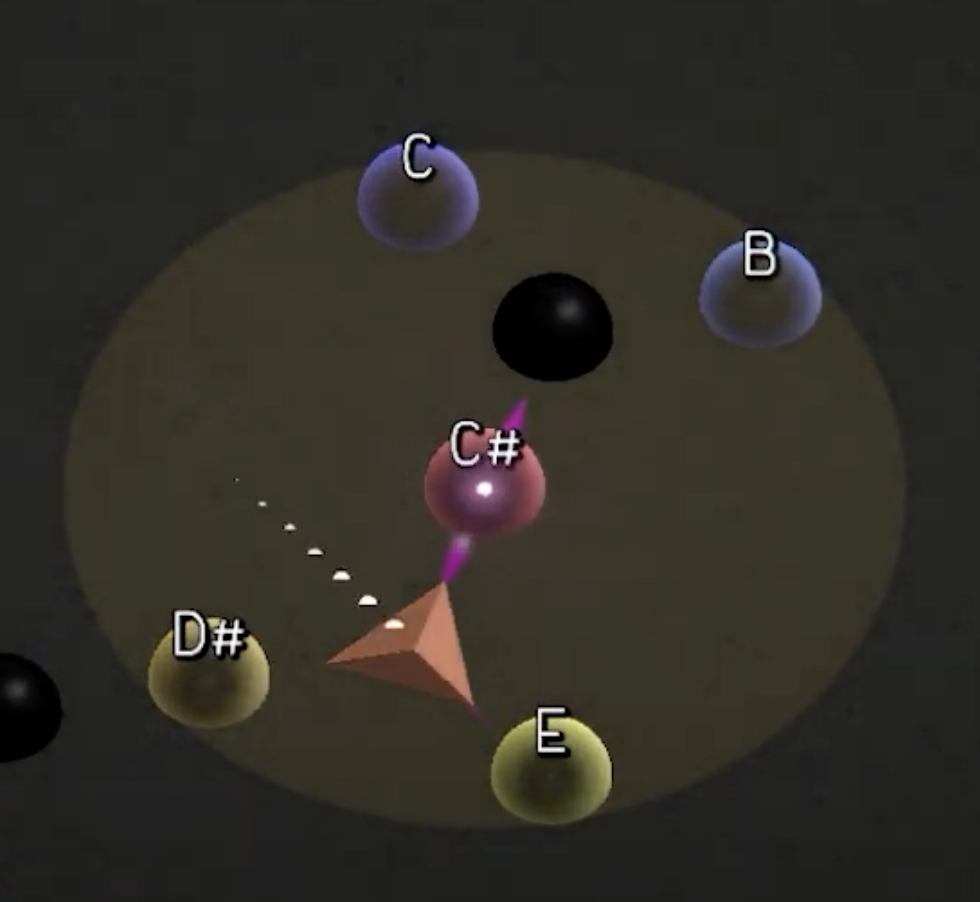
In H3, up to three player-performers use pitched sound to shape and activate an energetic grid. One player creates and maintains the rhythmic pulse, another guides movement across the map-score by playing sustained pitches, and the third activates 'planets' by improvising within different musical scales. Player roles swap during a performance, resulting in a range of emergent sonic combinations. Players are assisted by autonomous agents, who collect XP across three cycles.
A realisation (v1.0) by the Riot Ensemble:
A realisation (v1.04) by Csaba Király (piano), Samodai Bence János (trumpet), and Márton Gábor Szives (xylophone):
A short explainer video (using v1.0):
Download
Install instructions
Installation
- Download Max 9 (demo version is fine)
- Download the project zip file for your platform (see links below)
Performance Setup
Max
- Open H3.mxf (included in the project zip file) in Max
- Turn on the DAC by clicking the microphone icon (top left)
- Test audio by clicking 'Play test tone'. Adjust audio output level as needed.
- If you're not hearing the test tone, try updating the driver list and selecting the proper audio driver. (See also the menu options: 'Options' > 'Audio status...')
- Normally, a performance will use three dynamic microphones connected to inputs 1, 2, and 3 on the audio device. If you would like to use a different mapping, including mixing two inputs to one, click on 'INPUT MAPPING' and adjust as needed.
- If sound is working, turn off the DAC.
H3 standalone app (Unity)
- Open H3.app
- Click on 'settings' and ensure that input signals are monitoring in the window.
- Follow the on-screen instructions to set lower and upper loudness thresholds.
- Return to the main menu and press 'START'.
Note: version 1.04 includes some minor bug fixes and additional options, including separate tutorial and assist (e.g. Role 2 amplitude auto-follow) modes .
Development log
- H3 version 1.04 now available (Mac)93 days ago

Leave a comment
Log in with itch.io to leave a comment.